FAQ Schema in 2026: Is It Still Worth Adding?
Google stopped showing FAQ rich results in 2026. Here’s what that means, who should still add the markup, and what to spend your time on instead.
For years, FAQ schema was one of the easiest ways to make a search listing take up more space, with expandable questions sitting right under your title. In 2026 that visible payoff is gone. So if you run a blog, a tool site, or a client website, the practical question is whether FAQ schema in 2026 is still worth the effort. The short answer is that it can be, but only for the right reasons.
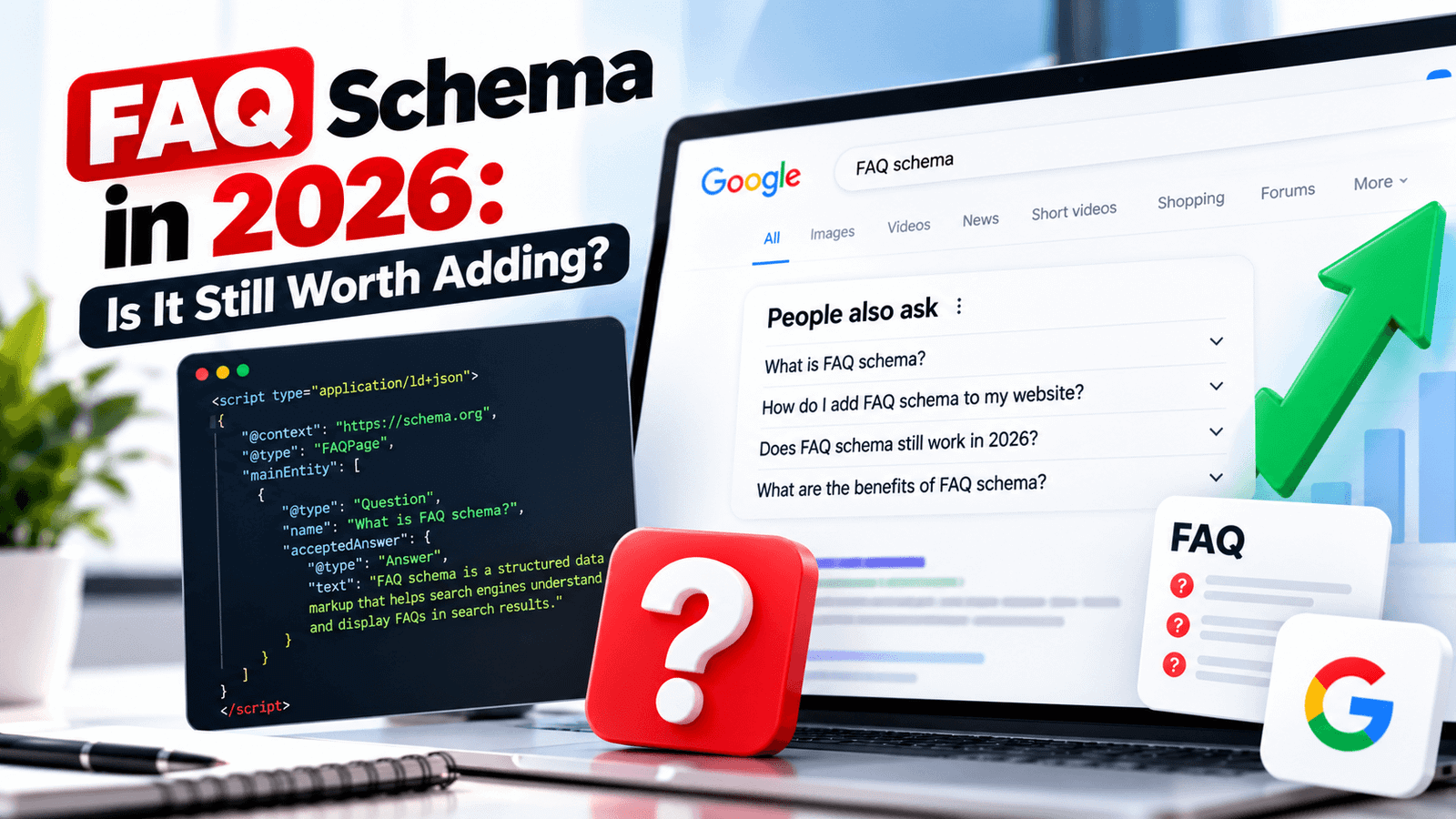
FAQ schema in 2026 is optional. Google stopped showing FAQ rich results on May 7, 2026, so the markup will not give you expandable dropdowns in search. It is still valid schema.org markup and cheap to add, so keep it where your page has real, visible questions and answers, but don’t expect a ranking or click boost from it.
What FAQ Schema Is
FAQ schema, technically FAQPage markup, is structured data that labels the questions and answers on a page so machines can read them cleanly. It is usually added as JSON-LD in the page’s HTML. You can read the full type definition on Schema.org. A minimal example looks like this:
“@context”: “https://schema.org”,
“@type”: “FAQPage”,
“mainEntity”: [{
“@type”: “Question”,
“name”: “Is FAQ schema still useful?”,
“acceptedAnswer”: {
“@type”: “Answer”,
“text”: “It is optional. It no longer creates rich results in Google.”
}
}]
}
If you’re new to the topic, start with our beginner’s guide, What Is Schema Markup?, before going further.
What Google Changed: The Timeline
The decline happened in stages rather than overnight, which is why many site owners are still unsure of the current status.
The important distinction is that Google retired the search feature, not the markup itself. FAQPage remains a valid schema type, and Google’s guidance has been that unused structured data does not harm your site in Search.
So, Is FAQ Schema Still Worth Adding?
It depends on what you expect from it. Put simply, FAQ schema in 2026 is a convenience, not a ranking tactic. If your goal was a bigger search listing, the answer is no, because that result no longer exists. If your goal is cleanly structured content at almost no cost, the answer is a cautious yes.
Some publishers also argue that structured Q&A markup may help AI-driven search tools understand a page. That is plausible but unproven, and no one outside those platforms can confirm it. Treat it as a possible small bonus, never as the reason to add FAQ schema.
What to Do With FAQ Schema You Already Have
Don’t Panic-Delete It
Valid markup that matches real on-page content causes no harm. Removing it across hundreds of pages is time you could spend elsewhere.
Check It Still Matches the Page
If you edited your FAQs, update the JSON-LD too. Markup that disagrees with visible content is the one real risk.
Fix Your Reporting
Dashboards that pull FAQ rich result data from Search Console or its API no longer work, so remove or replace those reports.
Update Your Expectations
Stop measuring FAQ schema by clicks or impressions. Judge the FAQ section by whether it helps readers.
FAQ Schema Examples: Good vs Bad
The difference between helpful FAQ markup and pointless markup is almost always the quality of the questions. Here are real-style examples for a tool page that explains an SEO ROI calculator.
Example 1: Writing the Questions
Q: Why is our tool the best?
Q: Why should you choose us?
Q: Is SEO good?
Q: How do I calculate SEO ROI?
Q: Can SEO ROI be negative?
Q: What costs should I include in the formula?
Weak questions are promotional or vague. Strong questions are things a real visitor would type into a search box or ask support.
Example 2: Writing the Answers
“SEO ROI is a very important metric that every business should care about and understand deeply for success.”
“SEO ROI = (SEO revenue − SEO cost) ÷ SEO cost × 100. If you spend $2,000 and earn $6,000 from organic search, your ROI is 200%.”
A strong answer gives the result first, uses a concrete number, and stops. It works equally well on the page, in a snippet, or read aloud by an assistant.
Example 3: A Complete JSON-LD Block With Multiple Questions
This is what a clean, correct block looks like when the same three questions are visible on the page:
{
“@context”: “https://schema.org”,
“@type”: “FAQPage”,
“mainEntity”: [
{
“@type”: “Question”,
“name”: “How do I calculate SEO ROI?”,
“acceptedAnswer”: {
“@type”: “Answer”,
“text”: “Subtract your SEO cost from SEO revenue, divide by the cost, and multiply by 100.”
}
},
{
“@type”: “Question”,
“name”: “Can SEO ROI be negative?”,
“acceptedAnswer”: {
“@type”: “Answer”,
“text”: “Yes. It is negative when attributed revenue is lower than the SEO investment.”
}
},
{
“@type”: “Question”,
“name”: “What costs should I include?”,
“acceptedAnswer”: {
“@type”: “Answer”,
“text”: “Include agency fees, content, tools, development, and the time your team spends on SEO.”
}
}
]
}
</script>
Notice that every question and answer in the code is also shown, word for word or very closely, in the visible FAQ section. That match is the single most important rule.
Example 4: Markup That Doesn’t Match the Page
The JSON-LD lists 10 questions about pricing, but the page only shows a product description with no FAQ section at all.
The page shows 4 questions under an “FAQ” heading, and the JSON-LD contains exactly those same 4 questions.
Should You Add It? Examples by Page Type
Use this table as a quick decision guide. It assumes you’re adding FAQ schema for structure and convenience, not for a Google result that no longer exists.
| Page type | Add it? | Why |
|---|---|---|
| Blog post with a real FAQ section | Optional | Questions already exist and the markup takes minutes to generate. |
| Free tool page (calculator, checker) | Yes, if short | Visitors often ask the same how-to questions, so a visible FAQ helps them. |
| Local service page | Optional | Useful for pricing, timing, and area questions, but only with honest answers. |
| Product page | Optional | Good for sizing, shipping, and compatibility questions that reduce returns. |
| Thin affiliate or promotional page | No | Markup won’t fix thin content, and the questions would be forced. |
| Homepage | Usually no | A homepage rarely needs a long FAQ, and the space is better used for navigation. |
A Real Walkthrough: Adding FAQ Schema to a Blog Post
Here’s the process from start to finish for a post titled “How to Calculate SEO ROI”.
Pick 4-6 Real Questions
Use questions readers actually ask: “What is a good SEO ROI?”, “How often should I calculate it?”, “Can it be negative?”. Check your search queries and support emails for ideas.
Write Short Answers on the Page
Keep each answer to two or three sentences. Put them under an “FAQ” or “Frequently Asked Questions” heading in the visible article.
Generate the JSON-LD
Paste the same questions and answers into the FAQ Schema Generator and copy the code it produces.
Paste It Into the Page
In WordPress, add a Custom HTML block (or an HTML widget in Elementor) and paste the full script tag at the bottom of the post.
Check That Both Versions Match
View the published page, compare each visible question with the code, and make sure nothing was left out or changed.
How to Tell If Your FAQ Section Is Working
Since rich results are gone, measure the section by what it does for readers, not by search appearance. Here are practical signals with examples of what to look for.
- Fewer repeat questions: if you used to get five emails a week asking how a tool works and the number drops after adding an FAQ, it is working.
- Engagement on the page: check whether visitors who reach the FAQ spend longer on the page or continue to a tool or next article.
- Conversion help: on product or service pages, see whether the FAQ appears on the path of people who convert, such as those who click a buy or contact button afterwards.
- Search queries: in Search Console, look for question-style queries that match your FAQ wording and see if those pages gain impressions over time.
Pre-Publish Checklist for FAQ Markup
How to Add FAQ Schema the Easy Way
If you decide to add it, keep it quick. Write the questions and answers on the page first, then generate the markup with the free FAQ Schema Generator, paste the JSON-LD into your page, and confirm that every question in the code appears on the page. Our Schema Markup Generator covers other types too.
Where Your Time Is Better Spent in 2026
Even with FAQ schema in 2026 playing a much smaller role, the FAQ section still matters. Readers love quick answers, and a clear FAQ can resolve doubts that stop people from converting. Put your effort into the content, not the code.
- Answer real questions directly in the first sentence, then add context.
- Keep each answer short, specific, and free of filler.
- Use schema that is still useful for your page, such as Article, Breadcrumb, Organization, or Product markup.
- Strengthen the page itself with our on-page SEO checklist and a solid meta description.
Lasting rankings come from content that earns trust, which we cover in How to Build Content That Earns Rankings and How to Earn Topical Authority in 2026.
Common FAQ Schema Mistakes
Audit Before You Add
Before spending time on any schema, make sure the basics are in place. Run through the SEO audit checklist for beginners first, since structured data can’t fix weak or slow pages.
Frequently Asked Questions
Does Google still show FAQ rich results?
Is FAQ schema still valid?
Will removing FAQ schema hurt my rankings?
Does FAQ schema help with AI search?
Can I still test FAQ schema in Google tools?
Final Thoughts
FAQ schema in 2026 has gone from an SEO shortcut to a small optional extra. If a page already has useful questions and answers, adding the markup takes minutes and does no harm. If it doesn’t, skip the schema and write a better page. In 2026, the value is in the answers your readers can see, not in the code behind them.
Try the FAQ Schema Generator →