How to Improve Meta Descriptions — Complete Guide
Learn how to improve meta descriptions with proven tips, real examples, and a checklist that boosts click-through rate and search visibility.
If you’ve ever published a blog post, checked Google Search Console a week later, and wondered why your impressions are decent but your clicks are painfully low, the culprit is often hiding in plain sight — your meta description. Learning how to improve meta descriptions is one of the simplest, highest-leverage SEO tasks you can do, and it doesn’t require touching a single line of ranking-related code.

To improve meta descriptions: write a unique description for every page, match it to search intent, include your primary keyword naturally, stay within 150–160 characters, and end with a soft call-to-action. Meta descriptions aren’t a direct ranking factor, but they strongly influence click-through rate. Use a SERP snippet preview tool to check how yours will render before publishing.
What Is a Meta Description?
A meta description is an HTML attribute that provides a brief summary of a webpage’s content. It lives inside the <head> section of your HTML as <meta name="description" content="...">, and it usually doesn’t appear on the page itself — it’s metadata, information about the page rather than part of the visible content.
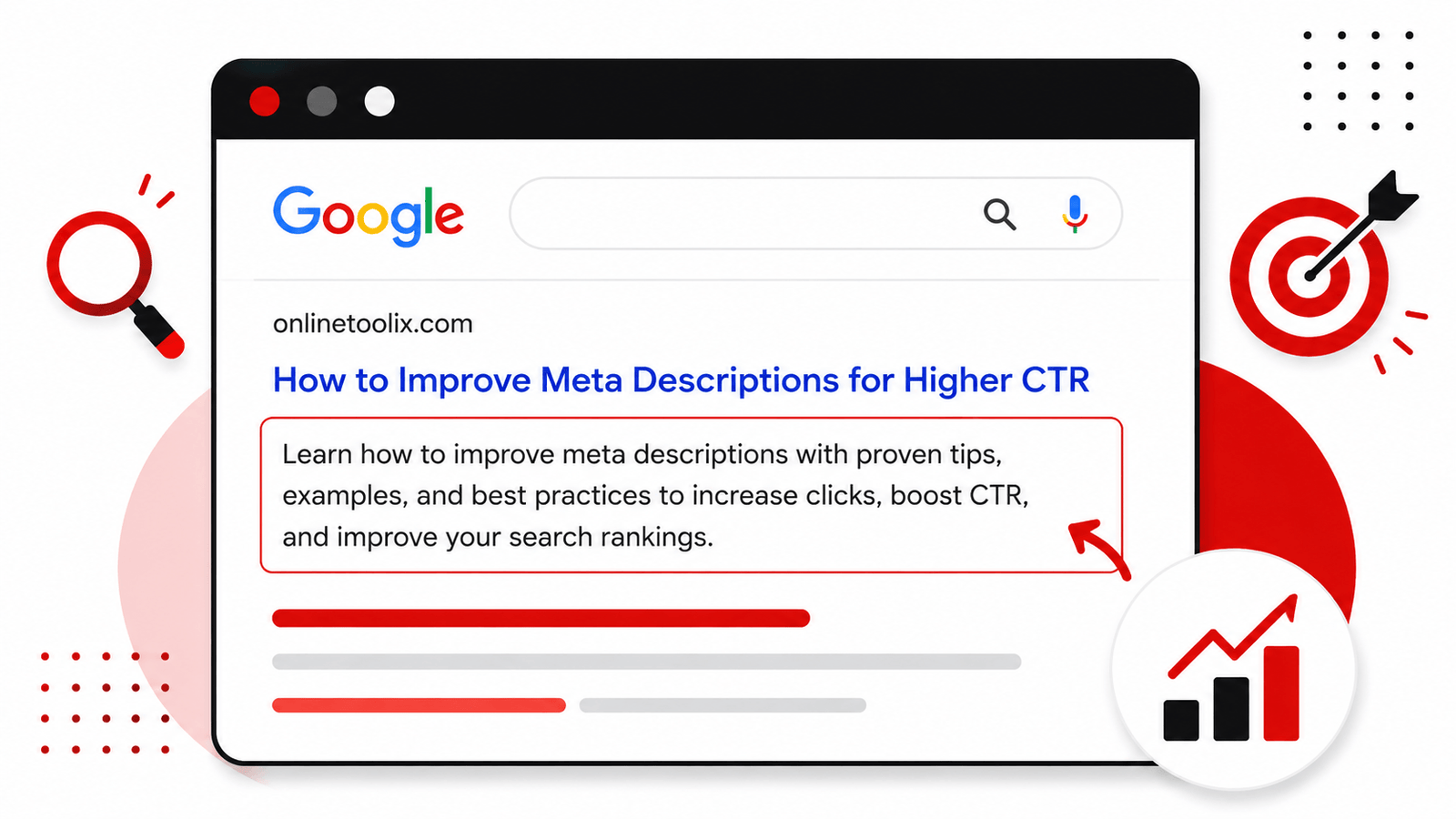
Its main job is to show up in search engine results pages, right below your page title and URL, giving searchers a quick preview of what they’ll find if they click. Think of it as your page’s elevator pitch — you have roughly 155–160 characters to convince someone scrolling through ten blue links that your page is the one worth clicking.
Google doesn’t always use the description you write. Sometimes it rewrites the snippet automatically, pulling text from your page that better matches the searcher’s query — which happens more often when your description is missing, too generic, or doesn’t align with what people are actually searching for.
Why Meta Descriptions Matter for SEO
Here’s the nuance that trips a lot of people up: meta descriptions don’t affect your position in search results, but they heavily influence whether people click once they see you there. Google’s algorithm doesn’t count keywords in your description as a ranking signal — Google’s own documentation on search snippets confirms this — but click-through rate is an indirect signal, and a low CTR can suggest your snippet isn’t matching search intent, even if your content is genuinely excellent.
Two pages can rank in the exact same position, and the one with a sharper, more compelling meta description will almost always win more clicks — meaning more real traffic from the same ranking.
Benefits of Well-Written Meta Descriptions
Improving your meta descriptions isn’t just a checkbox SEO task. Done right, it delivers measurable benefits:
A specific, benefit-driven description consistently outperforms a vague or auto-generated one.
Accurate snippets bring in visitors who already know what to expect, lowering bounce rate.
A polished snippet feels professional and trustworthy before someone even visits your site.
A subtle call-to-action primes visitors to take the next step once they land on your page.
Common Meta Description Mistakes
Before fixing anything, it helps to recognize what’s actually going wrong. These mistakes show up again and again, even on otherwise well-optimized sites:
How to Improve Meta Descriptions — Step by Step
This is the core of the guide. Follow these steps for every important page on your site — homepage, category pages, blog posts, and product pages:
Write a Unique Description for Every Page
Every page serves a slightly different purpose, so its description should too. Duplicate descriptions signal that your content may be repetitive.
Match the Description to Search Intent
Ask what someone is actually trying to accomplish — informational, navigational, commercial, or transactional — and write toward that goal.
Include Your Primary Keyword Naturally
Google bolds matching keywords in the snippet. Include yours once, in a way that reads naturally — never force it in twice.
Keep Within the Ideal Character Length
Aim for roughly 150–160 characters. Going over risks truncation, which can cut off your CTA or most persuasive detail.
Add a Call-to-Action
A short, low-friction CTA like “See how” or “Compare options now” increases the psychological nudge to click.
Avoid Duplicate Descriptions Across Pages
Audit your site using Google Search Console’s Pages report and prioritize fixing your highest-traffic pages first.
Improve Readability
Write the way you’d explain the page to a friend. Use active voice and concrete language over long, winding sentences.
Highlight the Value, Not Just the Topic
Don’t just describe what the page is about — describe why it’s worth the click. Answer “what’s in it for me?”
Optimize for Mobile Users
Put your most important information in the first 100 characters, since that’s guaranteed to display across most devices.
Character Length Guidelines
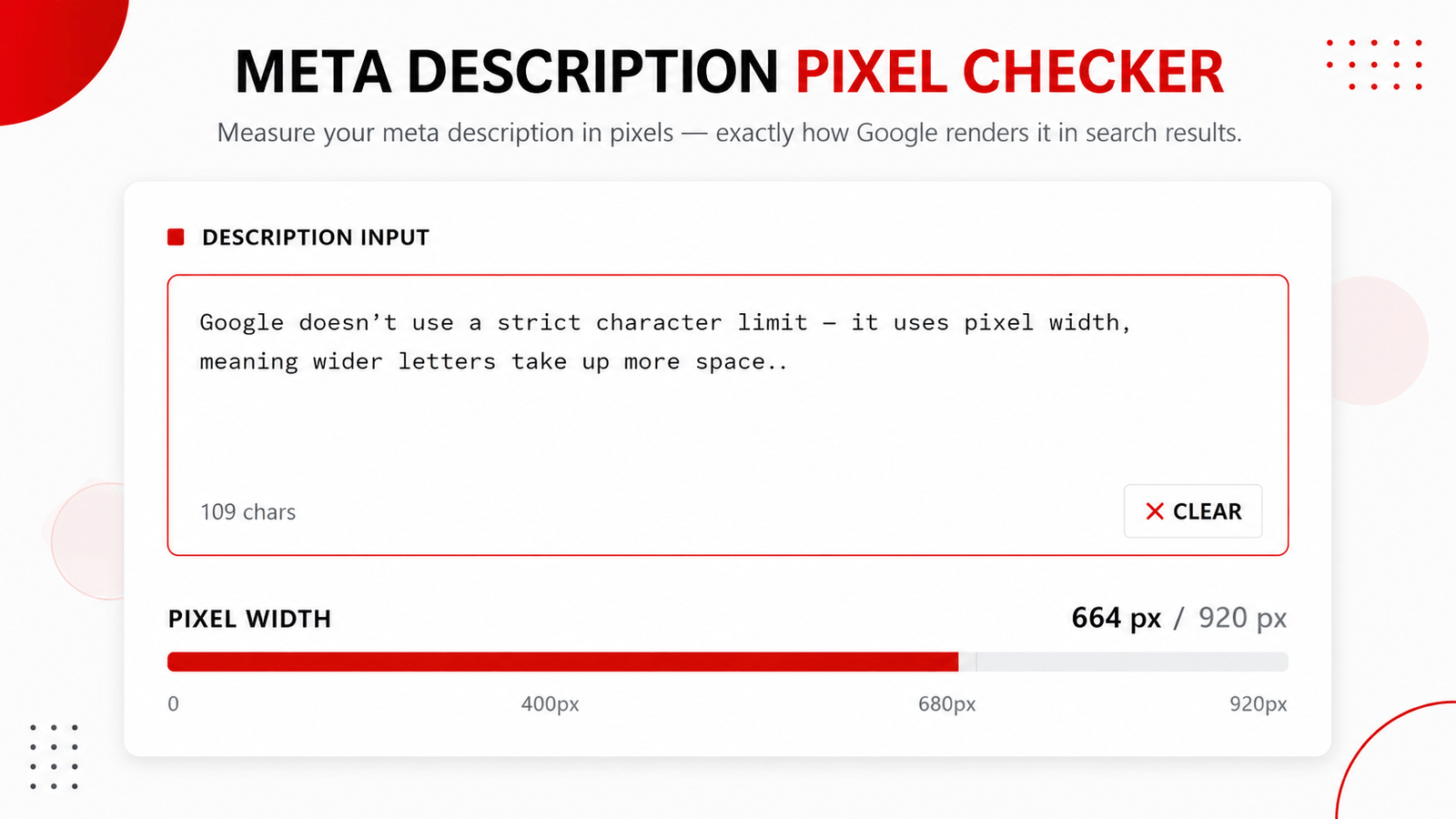
Google doesn’t use a strict character limit — it uses pixel width, meaning wider letters take up more space than narrower ones. Character count is still the most practical guideline to follow:
Run your draft through a meta description pixel checker to see the exact rendered width before you publish, since character count alone doesn’t always tell the full story.
Good vs Bad Meta Description Examples
Seeing the difference side-by-side makes this much easier to apply. Here are real-world style comparisons across different page types.
Blog Post
“Meta descriptions are important for SEO. Learn about meta descriptions and how meta descriptions work in this article about meta descriptions.”
“Struggling with low click-through rates? Here’s exactly how to write meta descriptions that get clicked — with real examples and a free checklist.”
Ecommerce Product Page
“Buy shoes online. Best shoes. Cheap shoes. Free shipping shoes.”
“Shop lightweight running shoes built for daily training. Free shipping, 30-day returns, and sizes for every foot type.”
Local Business Page
“We are a plumbing company located in your city offering plumbing services.”
“Same-day plumbing repairs in your city. Licensed, insured, and available for emergency calls 24/7. Get a free quote today.”
Category Page
“This is the category page for laptops on our website.”
“Browse laptops for every budget — from lightweight ultrabooks to high-performance gaming rigs. Compare specs and prices instantly.”
Advanced Tips
Once you’ve mastered the basics, these strategies help you scale meta description optimization across large sites:
Dynamic Meta Descriptions
For large ecommerce stores or directories, use templates that pull in variables like product name, price, or location to keep descriptions unique at scale.
Ecommerce Pages
Highlight concrete purchase-decision factors — price, shipping terms, return policy, and stock availability.
Blog Posts
Use the formula: problem/question + what they’ll learn + soft CTA, focused on the reader’s transformation.
Category Pages
Summarize the breadth of what’s available and who it’s for, rather than describing every single product.
Local SEO Pages
Include your location, core service, and a trust signal such as “licensed” or “10+ years in business.”
AI-Generated Descriptions
AI tools speed up first drafts, but always review for accuracy and tone — generic AI output underperforms just like generic human copy.
Tools That Make This Faster
When drafting or auditing descriptions at scale, a meta tag generator helps you build properly formatted tags in seconds, while a keyword density checker and keyword prominence checker confirm your primary keyword appears naturally without stuffing.
Meta Description Checklist
Use this checklist every time you publish or audit a page:
Frequently Asked Questions (FAQs)
What is a meta description in SEO?
Do meta descriptions affect Google rankings?
What is the ideal meta description length?
Why does Google sometimes rewrite my meta description?
Should I include my keyword in the meta description?
Can duplicate meta descriptions hurt my SEO?
How often should I update my meta descriptions?
Are AI-generated meta descriptions good for SEO?
What’s the difference between a meta description and a meta title?
How can I check if my meta description is too long?
Conclusion
Meta descriptions are one of the simplest, most overlooked levers in your entire SEO toolkit. They won’t single-handedly move your rankings, but they directly shape whether the traffic you’ve already earned actually chooses to click through to your site.
Start with your highest-traffic pages today. Rewrite five meta descriptions this week using the checklist above, and watch how a few extra minutes of thoughtful copywriting can meaningfully shift your click-through rate over the following month.