How to Find Negative Keywords for Google Ads
The search terms report is where most wasted ad spend hides in plain sight — here’s how to find it and stop it.
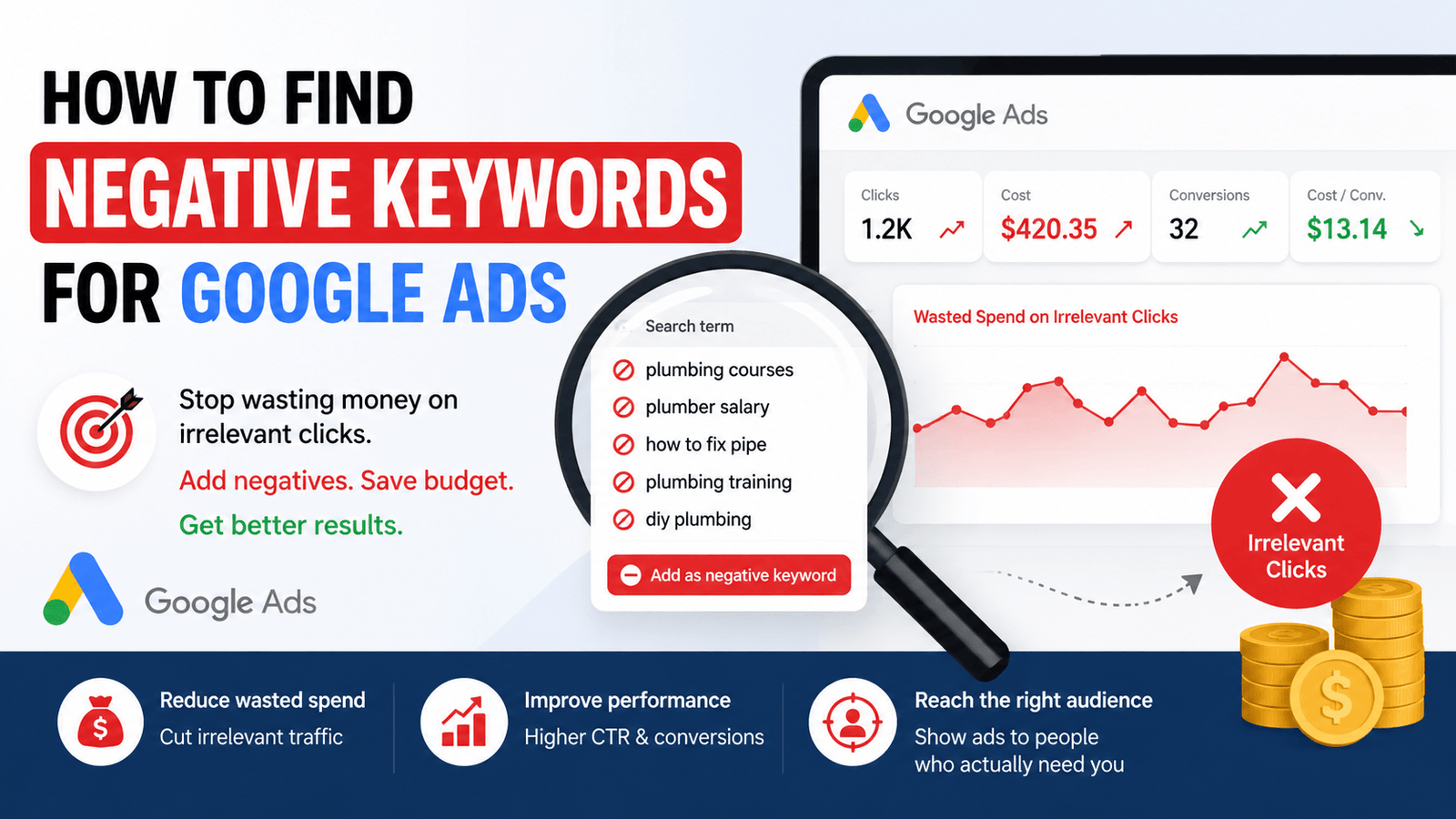
Every Google Ads account eventually pays for clicks it never should have gotten — a plumbing company’s ad triggered by “plumbing courses,” a premium retailer showing up for “cheap” searches. Learning how to find negative keywords for Google Ads is how you systematically close these gaps, and it’s one of the highest-leverage tasks in ongoing campaign management precisely because the data needed to find them is sitting in your account already, mostly unused.
Generate Negative Keyword Ideas →
What Negative Keywords Actually Do
A negative keyword tells Google Ads not to show your ad for searches containing that term, even if one of your regular keywords would otherwise match. They work as an exclusion filter layered on top of your targeting, catching the irrelevant searches your broader match types inevitably pull in.
According to Google Ads’ own Help Center documentation on negative keywords, they can be applied at the campaign or ad group level and support the same match type logic as regular keywords — broad, phrase, and exact — giving you precise control over exactly how much a single negative keyword excludes.
Why This Matters for Ad Spend
Broad and phrase match keywords are deliberately flexible — that’s what makes them useful for catching search variations you didn’t explicitly list. That same flexibility is exactly what lets irrelevant searches slip through and trigger your ad, burning budget on clicks that were never going to convert.
Beyond direct wasted spend, irrelevant clicks also drag down click-through rate and Quality Score over time, since Google reads a low-converting search match as a sign the ad isn’t well-targeted — which can quietly raise your cost-per-click on the searches that actually matter.
How to Find Negative Keywords for Google Ads: Where to Look
Start With the Search Terms Report
This is the single most valuable source — it shows the exact real searches that triggered your ads, not just the keywords you targeted. Sort by cost and clicks with zero conversions to find the worst offenders first.
Look for Intent Mismatches
Flag searches containing words like “free,” “jobs,” “course,” “DIY,” or “salary” if your offer doesn’t match that intent — these consistently signal informational searchers rather than buyers.
Check for Competitor and Unrelated Brand Names
Broad match can trigger your ad for searches including competitor brand names or entirely unrelated brands that happen to share a word with your keywords.
Generate a Starter List for Your Industry
Every industry has predictable, recurring irrelevant terms. Use a negative keywords generator to build a baseline exclusion list quickly, then refine it with your own account’s actual search term data.
Review Auction Insights for Irrelevant Overlap
If you’re consistently showing alongside competitors in a completely different category, that’s a signal your targeting is picking up broader, less relevant search patterns worth excluding.
Make It a Recurring Review, Not a One-Time Task
New irrelevant search terms appear continuously as your keyword list matches new query variations — a monthly search terms review keeps the negative list current.
Negative Keyword Match Types
Negative keywords follow the same match type system as regular keywords, and picking the right one matters just as much.
A common mistake is defaulting to broad match negatives everywhere, which can accidentally exclude genuinely relevant searches that happen to share one of the negative terms. Match the exclusion type to how precisely you actually want to filter.
Common Negative Keyword Examples by Category
While the search terms report should always be the primary source, certain categories of irrelevant intent show up consistently enough across industries to be worth checking for from day one.
None of these categories are universally irrelevant — a company that genuinely sells online courses would want “course” and “tutorial” traffic, for example. The point isn’t to exclude these terms automatically everywhere, but to check each category against your specific offer and add exclusions where there’s a genuine mismatch.
It’s also worth building a small “always exclude” list that rarely changes — adult content terms, obviously unrelated product categories, and misspellings that consistently trigger irrelevant matches. Keeping this separate from your actively evolving, search-term-driven list makes it easier to maintain both without confusing which exclusions came from real data versus general best practice.
Negative Keywords Complement Keyword Research, Not Replace It
Finding what to exclude works best alongside a solid positive keyword strategy — see How to Do Keyword Research for SEO for the process of building out the keyword side of the equation.
Common Mistakes When Finding Negative Keywords
Frequently Asked Questions
Where’s the best place to find negative keywords in Google Ads?
Should negative keywords be added at the campaign or ad group level?
How often should I update my negative keyword list?
Can too many negative keywords hurt my campaign?
Are negative keyword lists reusable across multiple campaigns?
Final Thoughts
Finding negative keywords for Google Ads is less about guessing what might be irrelevant and more about reading the evidence your own account already provides — the search terms report shows exactly what’s wasting spend. Pair that real data with a starter list for your industry, apply exclusions at the right match type and level, and revisit the list monthly rather than treating it as a one-time setup task.
Over several months, this compounds meaningfully. A campaign that starts with a 20% waste rate on irrelevant clicks and steadily tightens its negative list can redirect that reclaimed budget toward keywords that actually convert — the same total spend working measurably harder simply because fewer dollars are going toward searches that were never going to result in a sale.