
Shopify Profit Margin Calculator — Free Online Tool
Revenue numbers on a Shopify dashboard look great until you actually subtract everything it costs to generate that revenue — product costs, shipping, ad spend, tariffs, and payment gateway fees all quietly eat into what looks like a healthy top line. That's exactly what our Shopify Profit Margin Calculator was built to reveal. Instead of manually tracking each cost category in a spreadsheet, you enter your store's numbers once and instantly see your true net profit and margin percentage.
Whether you're running a dropshipping store, a private-label brand, or an established Shopify business, this Shopify Profit Margin Calculator gives you a complete, honest profitability picture in seconds. Once you know your margin, check the minimum ROAS each campaign needs to protect it with our Break Even ROAS Calculator.
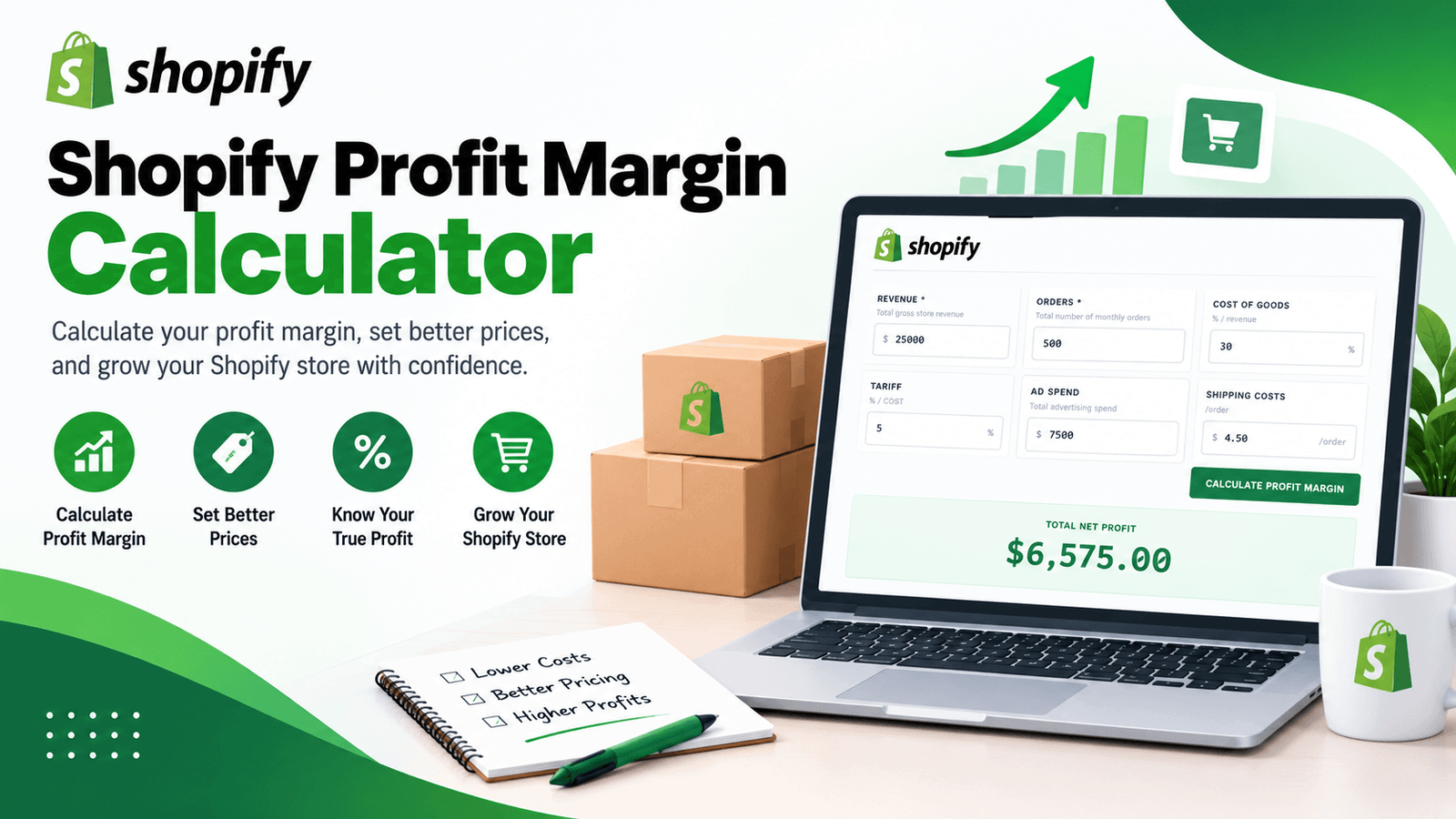
What Is a Shopify Profit Margin Calculator?
A Shopify Profit Margin Calculator is a tool that converts your store's revenue, cost of goods, shipping, advertising spend, and payment processing fees into a single, clear net profit figure and margin percentage. Rather than calculating each cost category separately and adding them up by hand, you enter your numbers once and get a complete profitability breakdown instantly.
01. Saves Time
No more rebuilding the same cost-stacking formula every time you check store performance.
02. Accounts for Real Costs
Factors in gateway fees, tariffs, and shipping, not just product cost and ad spend.
03. Instant Verdict
Get a clear, color-coded read on whether your store is highly profitable, healthy, thin-margin, or operating at a loss.
What Percentage Does Shopify Take From Sales?
A common question before diving into margin calculations is exactly what percentage does Shopify take from sales. This depends on your plan tier and payment method. Using Shopify Payments on the standard Basic plan, online credit card transactions typically run 2.9% plus 30¢ per transaction. If you use a third-party payment gateway instead of Shopify Payments, an additional transaction fee applies on top of your gateway's own processing rate — commonly around 2.0% on the Basic plan. This calculator automatically factors in gateway fees using a standard Shopify Payments rate assumption, so you don't need to calculate that separately.
How Do I Calculate Profit Margin on Shopify?
If you're wondering how to calculate profit margin on Shopify, the general formula is:
Net Profit Margin (%) = (Revenue − Total Costs) ÷ Revenue × 100
Where total costs include your cost of goods sold, any tariffs on those goods, shipping costs per order, advertising spend, and payment gateway fees. This calculator runs exactly this calculation automatically the moment you enter your numbers, so you get an accurate margin percentage without manually adding up every cost line yourself.
How the Shopify Profit Margin Calculator Works
Using the tool takes less than a minute. Here's the process:
Input your total gross revenue and number of orders for the period.
Add your cost of goods as a percentage of revenue.
If applicable, add any tariff as a percentage of your COGS.
Input your total advertising spend for the same period.
Add your average shipping cost for each order.
Instantly see your net profit, margin percentage, and full cost breakdown.
No sign-up, no spreadsheet setup — just an instant, complete profitability breakdown every time you check.
Key Features of This Shopify Profit Margin Calculator
- Automatic Gateway Fee Calculation — Applies a standard Shopify Payments rate so you don't have to calculate transaction fees separately.
- Tariff-Aware Cost Tracking — Accounts for tariffs on top of your cost of goods, useful for stores sourcing internationally.
- Per-Order Shipping Costs — Scales your shipping input automatically across your total order count.
- Color-Coded Verdicts — Instantly see whether your margin is excellent, healthy, thin, or unprofitable.
- Built-In Shopify Fee Benchmark — Compare online credit card rates and third-party gateway fees across Shopify's plan tiers.
- 100% Free and Private — Everything runs directly in your browser; no data is uploaded or stored.
Understanding the Metrics This Tool Calculates
Gateway Fees
Your estimated Shopify Payments transaction cost, calculated using a standard rate plus a fixed fee per order.
Total COGS + Tariff
Your cost of goods sold plus any applicable tariff, combined into a single cost figure.
Total Shipping
Your per-order shipping cost multiplied by your total order count for the period.
Net Profit and Margin (%)
Your revenue minus all costs combined (COGS, tariff, shipping, ad spend, and gateway fees), expressed both as a dollar amount and as a percentage of revenue. To see how much you can afford to spend per customer while keeping this margin intact, check the Customer Acquisition Cost Calculator.
What Is a Good Profit Margin for Shopify?
This is one of the most common questions new store owners ask, and this calculator's verdict system reflects general industry expectations: a margin above 30% is generally considered excellent, 15–30% is a healthy, sustainable range for most stores, and anything below 15% starts to leave little room for error or reinvestment. Margins vary by product category too — dropshipping and low-differentiation products often run thinner margins than private-label or niche products with less price competition.
Who Should Use a Shopify Profit Margin Calculator?
Dropshipping Sellers
Quickly check whether a product is actually worth selling once shipping, ad spend, and gateway fees are factored in, not just the raw markup.
Private Label & Brand Owners
Get a complete profitability picture that includes tariffs on imported goods alongside standard cost of goods.
Store Owners Comparing Ad Spend
See exactly how much room you have to increase ad spend before it erodes your margin past a comfortable threshold. Pair it with the Google Ads ROAS Calculator to see whether current campaigns are respecting that threshold.
Agencies Managing Client Stores
Provide clients with a clear, defensible profitability breakdown instead of a bare revenue figure.
Anyone Planning a Price Change
Test how adjusting your price or ad spend shifts your margin before rolling out the change across your store.
Comparing Shopify's Fee Structure Across Plans
Beyond the main calculator, this tool includes a reference table comparing online credit card rates and third-party gateway fees across Shopify's plan tiers. The Basic plan typically runs 2.9% + 30¢ on Shopify Payments with a 2.0% surcharge on third-party gateways. The standard Shopify plan improves this to roughly 2.6% + 30¢ with a 1.0% third-party surcharge, while Advanced Shopify offers the best rates at around 2.4% + 30¢ with just a 0.5% surcharge. If your store processes significant volume, these rate differences across plan tiers can meaningfully affect your overall margin, making this comparison worth revisiting as your store grows.
Tips for Getting the Most Accurate Results
Use your actual COGS percentage rather than a rough estimate — even small differences significantly affect your calculated margin.
Include tariffs if you import products internationally, since they're easy to overlook but directly reduce your real margin.
Recalculate whenever your ad spend, shipping rates, or supplier costs change, since profitability shifts even when revenue stays flat.
Compare your results against the Shopify plan benchmark table if you're considering upgrading plans to reduce transaction fees.
Use the margin percentage, not just the net profit dollar figure, when comparing profitability across different order volumes.
Frequently Asked Questions
Final Thoughts
A healthy-looking revenue number can hide a surprisingly thin — or even negative — profit margin once every real cost is accounted for. This Shopify Profit Margin Calculator gives you the complete picture instantly, factoring in cost of goods, tariffs, shipping, ad spend, and payment gateway fees together rather than checking each one separately. Whether you're evaluating a new product, comparing Shopify plan tiers, or just want an honest read on store profitability, it turns a complicated cost-stacking exercise into a single, clear number. For the ad-spend side of that equation, pair it with our Break Even ROAS Calculator and Customer Acquisition Cost Calculator.
For more on Shopify's official fee structure, see Shopify's pricing documentation for the latest plan and transaction fee details.
Try the Shopify Profit Margin Calculator now and see exactly how profitable your store really is.