
Google Ads ROAS Calculator — Free Online Tool
Knowing your ROAS number is one thing — actually knowing whether your Google Ads campaign is genuinely profitable is another. A 4x ROAS sounds great until you factor in your product margins and realize you're barely breaking even. That's exactly the gap our Google Ads ROAS Calculator was built to close. Instead of juggling spreadsheets or guessing at your real profit margins, you enter a few numbers and instantly see your true Return on Ad Spend, net profit, cost per acquisition, and profit-adjusted ROAS — all in one place.
Whether you're a performance marketer reporting to a client, an e-commerce brand checking campaign health, or a founder planning next month's ad budget, this tool gives you the full profitability picture in seconds. Once you know your true margin-adjusted return, use our Cost Per Click Calculator to see how efficiently that spend is being converted at the click level.
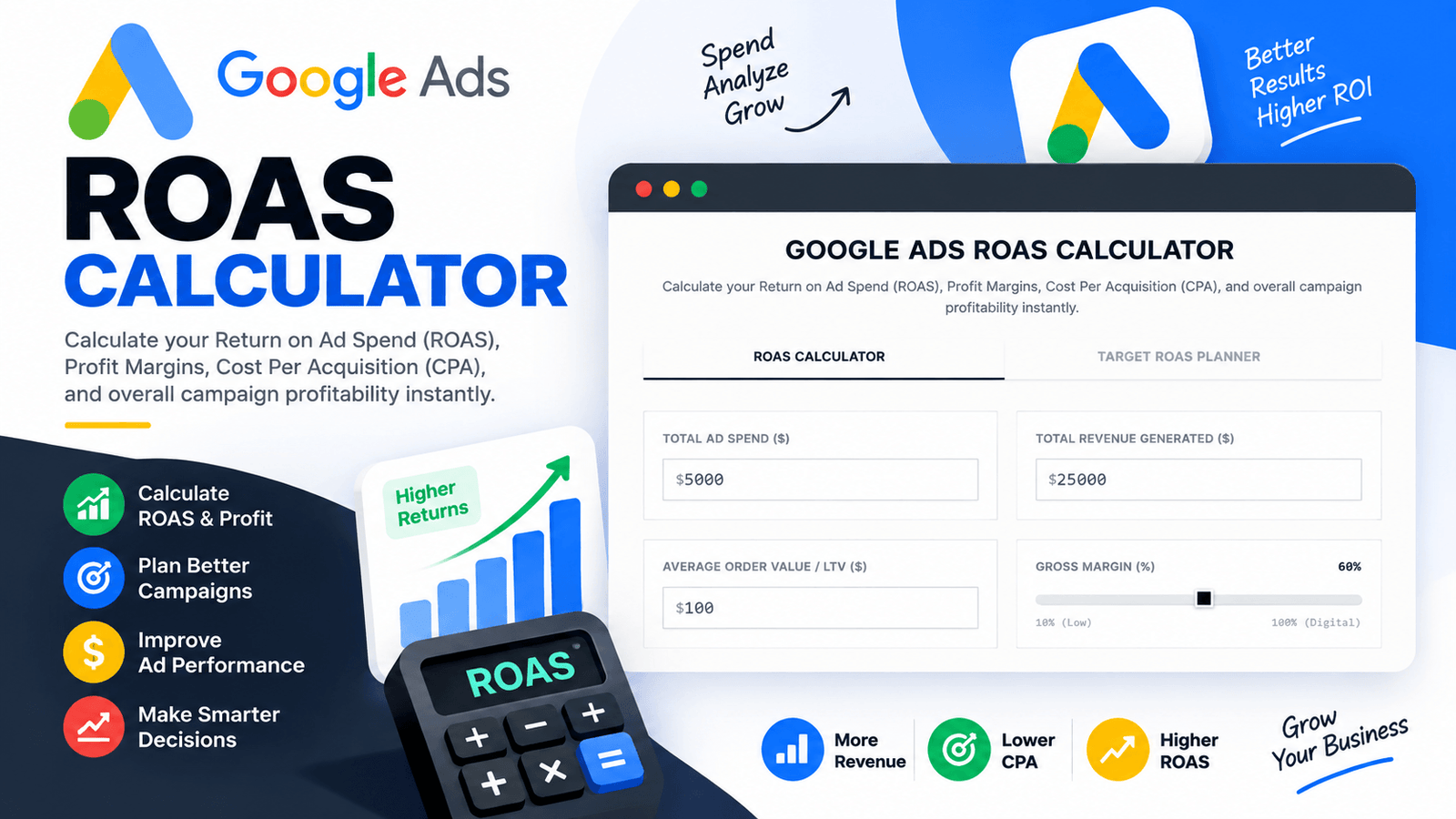
What Is a Google Ads ROAS Calculator?
A Google Ads ROAS Calculator is a tool that converts your raw ad spend and revenue numbers into the metrics that actually matter for decision-making — Return on Ad Spend, net profit, cost per acquisition, and profit on ad spend. Rather than manually calculating each figure separately, you enter your numbers once and get a complete profitability breakdown instantly.
01. Saves Time
No more building the same spreadsheet formula every time you check campaign performance.
02. Accounts for Margin
Factors in your actual gross margin, not just raw revenue, for a true profitability picture.
03. Instant Verdict
Get a clear, color-coded read on whether a campaign is profitable, break-even, or losing money.
Why Raw ROAS Numbers Can Be Misleading
A lot of advertisers stop at the basic ROAS formula — revenue divided by spend — without going further. Here's the problem this tool solves:
A 3x ROAS on a product with a 20% margin can still be unprofitable, while a 2x ROAS on a 70% margin product might be highly profitable.
Recalculating net profit, CPA, and POAS by hand across multiple campaigns wastes time and invites mistakes.
Without knowing your required spend to hit a revenue goal, budget requests to stakeholders become rough estimates instead of data-backed asks.
This Google Ads ROAS Calculator removes all of that friction, turning raw numbers into a clear, immediate profitability verdict.
How the Google Ads ROAS Calculator Works
Using the tool takes less than a minute. Here's the process:
Input the total amount spent on your Google Ads campaign.
Add the revenue your campaign generated over the same period.
Enter your AOV or customer lifetime value to calculate total conversions.
Use the slider to reflect your actual product or service margin.
See your ROAS, net profit, CPA, and POAS update live as you adjust any input.
Enter a revenue goal and target ROAS multiplier to see exactly how much budget you need to allocate.
No sign-up, no spreadsheet setup — just instant, accurate numbers every time you check.
Key Features of This Google Ads ROAS Calculator
- Instant ROAS Calculation — See your Return on Ad Spend update live as you type.
- Margin-Adjusted Profitability (POAS) — Goes beyond basic ROAS by factoring in your actual gross margin.
- Net Profit Breakdown — Know your real dollar profit, not just a ratio.
- Cost Per Acquisition (CPA) — Automatically calculated from your revenue and average order value.
- Color-Coded Verdicts — Instantly see whether a campaign is highly profitable, healthy, break-even, or unprofitable.
- Built-In Target ROAS Planner — Switch tabs to calculate the exact budget needed to hit a revenue goal.
- 100% Free and Private — Everything runs directly in your browser; no data is uploaded or stored.
Understanding the Metrics This Tool Calculates
ROAS (Return on Ad Spend)
Total revenue divided by total ad spend, expressed as a multiplier (e.g., 5.00x).
Net Profit
Your gross profit (revenue × margin) minus your total ad spend — the real dollar amount you kept.
CPA (Cost Per Acquisition)
Your total ad spend divided by the number of conversions, showing what each customer actually cost you. Compare this against your Keyword CPC Calculator results to see how bid strategy affects acquisition cost.
POAS (Profit on Ad Spend)
A margin-adjusted version of ROAS that reflects true profitability rather than raw revenue return.
Who Should Use a Google Ads ROAS Calculator?
E-Commerce Brands
Quickly check whether a campaign is genuinely profitable once your product margins are factored in, not just whether it "looks good" on a raw ROAS basis.
Performance Marketers & Agencies
Generate quick, accurate profitability snapshots for client reporting without rebuilding the same spreadsheet formulas every time. Pair it with our SEO ROI Calculator for a full-funnel view of paid and organic performance.
Founders & Marketing Managers
Use the Target ROAS Planner to justify budget requests with a specific number instead of a rough estimate.
Freelancers & Consultants
Run quick profitability checks across multiple client accounts without needing access to their internal reporting tools.
Anyone New to Paid Ads
Understand the real relationship between ROAS, margin, and actual profit before scaling ad spend.
Using the Target ROAS Planner
Beyond the main calculator, this tool includes a second mode built for forward planning. Instead of analyzing past performance, the Target ROAS Planner works in reverse: tell it your target monthly revenue and your goal ROAS multiplier, and it instantly calculates exactly how much you need to spend on Google Ads to hit that number. This is especially useful when presenting budget requests, since you can show a precise required spend figure tied directly to a revenue target, rather than an arbitrary round number.
Tips for Getting the Most Accurate Results
Use your actual gross margin, not an estimate — small differences in margin significantly affect your true profitability (POAS) number.
Include all ad-related costs in your "Total Ad Spend" figure for a more accurate net profit calculation.
Recalculate regularly as your margins or average order value shift, since profitability can change even when ROAS stays flat.
Use the Target ROAS Planner before setting a new monthly budget, rather than after your spend has already been committed.
Compare POAS alongside ROAS rather than relying on ROAS alone when deciding whether to scale a campaign.
Frequently Asked Questions
Final Thoughts
A raw ROAS number only tells part of the story — real profitability depends on your margins, your true customer acquisition cost, and how those numbers move together. This tool gives you the complete picture instantly, whether you're auditing a past campaign or planning next month's budget with the built-in Target ROAS Planner. No more spreadsheet formulas, no more guesswork — just a clear, immediate read on where your ad spend actually stands. For a broader view of campaign efficiency, pair it with our Amazon Affiliate Calculator or Email Open Rate Calculator if those channels are part of your marketing mix.
For more on Google Ads performance metrics, see Google's own Ads Help documentation on measuring conversion value and ROAS.
Try the Google Ads ROAS Calculator now and see exactly how profitable your campaigns really are.