
AdSense Revenue Calculator — Free Online Tool
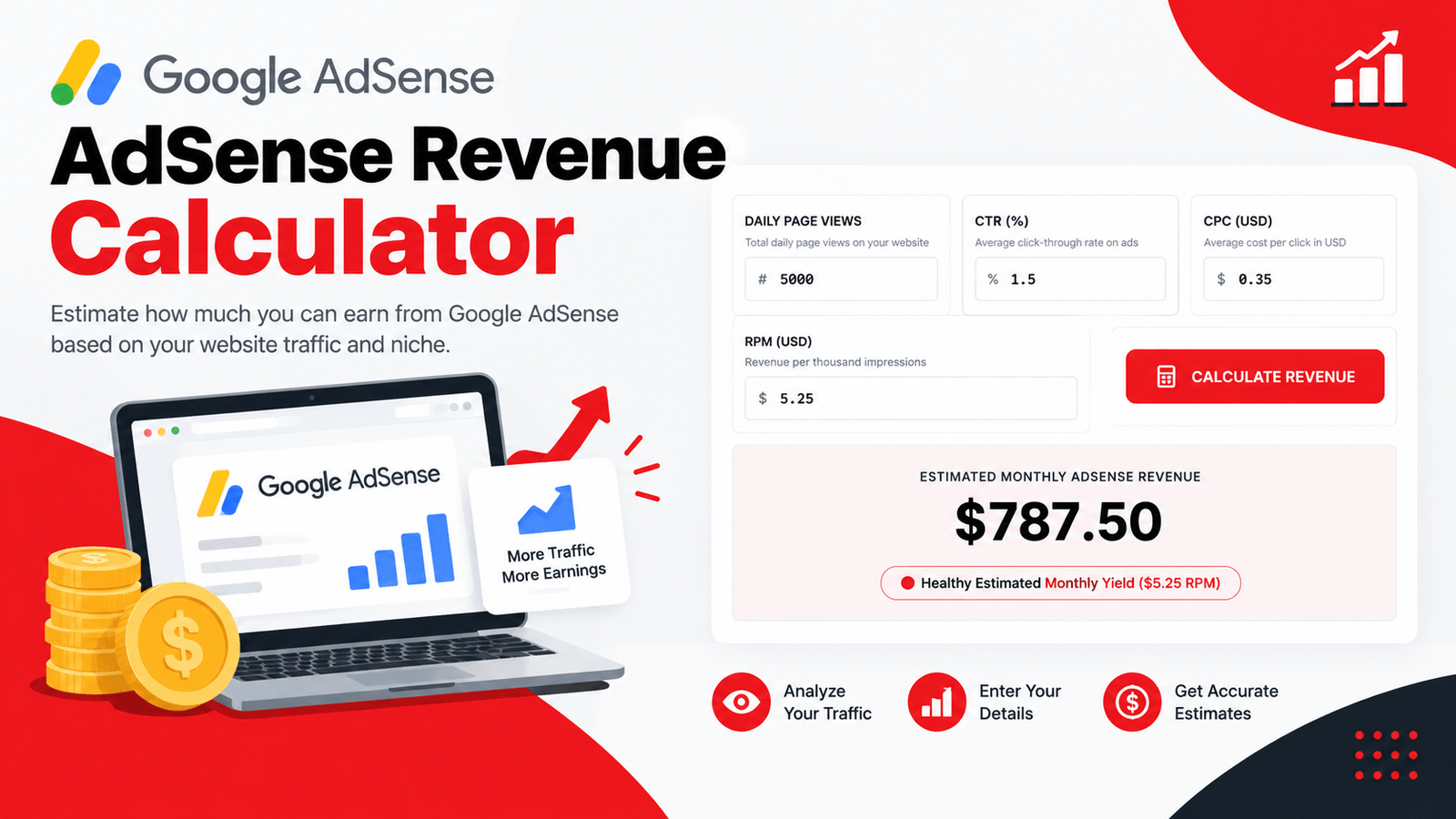
Every blogger and publisher eventually asks the same question: how much could this site actually earn from Google AdSense? That's exactly what our AdSense Revenue Calculator was built to answer. Instead of manually multiplying traffic by click-through rate and cost-per-click in a spreadsheet, you enter your site's numbers once and instantly see your estimated daily clicks, RPM, and projected monthly and yearly revenue.
Whether you're planning a new content site, evaluating whether a niche is worth pursuing, or just curious what your current traffic could be earning, this AdSense Revenue Calculator gives you a fast, realistic estimate in seconds. If your site also earns through affiliate links, run the same traffic through our Amazon Affiliate Calculator to compare ad revenue against affiliate income.
What Is an AdSense Revenue Calculator?
An AdSense Revenue Calculator is a tool that converts your website's traffic, click-through rate, and cost-per-click into an estimated earnings figure. Rather than manually working through the math every time you want to check a projection, you enter your traffic numbers once and get an instant breakdown of clicks, RPM, and revenue across daily, monthly, and yearly timeframes.
01. Saves Time
No more rebuilding the same traffic-times-CTR-times-CPC formula every time you want a projection.
02. Full Picture
See clicks, RPM, monthly revenue, and yearly revenue together, not just one isolated number.
03. Instant Estimates
Adjust any input and watch your projected earnings update immediately.
How Is AdSense Revenue Calculated?
If you're wondering how AdSense revenue is calculated, here's the logic this tool runs behind the scenes:
- Your daily page views are multiplied by your click-through rate (CTR) to estimate daily clicks.
- Daily clicks are multiplied by your average cost-per-click (CPC) to estimate daily revenue.
- Daily revenue is scaled up to monthly and yearly totals.
- RPM (Revenue Per Mille, or revenue per thousand impressions) is calculated by dividing total revenue by total page views and multiplying by 1,000.
This gives you both a granular view (clicks and CPC) and a standardized view (RPM) of your earning potential, which is exactly why the calculator surfaces both. If RPM math feels familiar, it's the same underlying logic as our Cost Per Thousand Calculator, just applied to earnings instead of spend.
How Much Does AdSense Pay Per 1000 Views?
This is one of the most common questions publishers ask, and the honest answer is: it depends heavily on your niche, audience location, and ad placement. That's precisely what RPM measures — your revenue per 1,000 page views, factoring in your actual CTR and CPC together rather than relying on a single generic number. Two sites with identical traffic can have wildly different RPMs simply because their audiences and content topics attract different advertiser bids.
How the AdSense Revenue Calculator Works
Using the tool takes less than a minute. Here's the process:
Input your website's average daily traffic.
Add your average ad click-through rate as a percentage.
Input your average cost-per-click in USD.
Instantly see your estimated clicks, RPM, and revenue.
Check daily clicks, RPM, monthly revenue, and yearly revenue all at once.
Switch views to compare typical CPC and RPM ranges across major content niches.
No sign-up, no spreadsheet setup — just an instant, complete earnings estimate every time you check.
Key Features of This AdSense Revenue Calculator
- Instant Revenue Estimation — See your projected earnings update as soon as you calculate.
- Automatic RPM Calculation — No need to calculate revenue per thousand impressions separately; it's derived automatically.
- Daily, Monthly, and Yearly Projections — See your estimated earnings across every relevant timeframe at once.
- Color-Coded Verdicts — Instantly see whether your projected RPM is exceptional, healthy, or on the low side.
- Built-In Niche Benchmarks — Compare your CPC and RPM assumptions against typical ranges for finance, tech, and lifestyle content.
- 100% Free and Private — Everything runs directly in your browser; no data is uploaded or stored.
Why AdSense Earnings Vary So Much by Niche
If you've used an AdSense earnings calculator before and gotten wildly different results depending on your inputs, it's because CPC and RPM genuinely vary this much across content categories. This tool's built-in benchmark reference breaks it down:
Understanding where your niche falls on this spectrum helps you set realistic CPC and CTR assumptions rather than guessing blindly. You can cross-check your CPC assumptions against real keyword data with our Keyword CPC Calculator.
Who Should Use an AdSense Revenue Calculator?
Bloggers & Content Creators
Get a realistic income projection before committing significant time to a new content niche or site.
Website Buyers & Sellers
Sanity-check an AdSense income claim on a site listing by comparing its traffic and reported RPM against realistic benchmarks.
New Publishers
Understand what kind of traffic volume you'd realistically need to hit a specific income goal in your chosen niche.
SEO Consultants
Provide clients with a data-backed earnings projection tied to a proposed traffic growth target. Pair it with the SEO ROI Calculator to show the full return on a content investment.
Anyone Comparing Niches
Run the same traffic numbers through different CPC assumptions to see how niche choice alone changes projected revenue.
Reading the AdSense RPM & CPC Benchmark Reference
Beyond the main calculator, this tool includes a quick-reference table mapping typical CPC and RPM ranges to major content niches. If your calculator inputs are producing a projection that seems unrealistically high or low compared to your niche's benchmark range, it's worth revisiting your CTR or CPC assumptions rather than assuming the projection is accurate as-is. This matrix gives you an immediate sanity check without needing to research industry reports separately.
Tips for Getting a More Realistic Estimate
Use your actual historical CTR and CPC if you already have AdSense data, rather than industry averages, for a far more accurate projection.
Compare your assumed CPC against the niche benchmark table to make sure your inputs are realistic for your content category.
Remember that RPM already accounts for CTR and CPC together, so use it as your primary sanity-check metric.
Recalculate periodically as your traffic grows, since revenue doesn't always scale linearly with traffic if CTR or CPC shift.
Treat this as an estimate, not a guarantee — actual AdSense earnings depend on many factors this calculator can't fully capture, including seasonality and ad blocker usage.
Frequently Asked Questions
Final Thoughts
Estimating AdSense revenue isn't complicated math, but getting a realistic number requires knowing what CTR and CPC assumptions actually make sense for your niche. This AdSense Revenue Calculator handles the calculation instantly and pairs it with niche benchmarks, so your projection is grounded in reality rather than guesswork. Whether you're planning a new site or evaluating an existing one, it gives you a fast, honest read on what your traffic could realistically be worth. For a fuller monetization picture, compare it against our Amazon Affiliate Calculator and Email Open Rate Calculator if those channels are part of your site's revenue mix.
For more on optimizing AdSense performance, see Google AdSense's official Help Center for further guidance on improving RPM and ad performance.
Try the AdSense Revenue Calculator now and see what your website could realistically be earning.