
YouTube Channel Name Availability Checker — Free Online Tool
Naming a YouTube channel sounds easy until you actually try to lock in a handle. You type something you like, hit save, and get a vague error with no real explanation. Was it too long? Did it contain a character YouTube doesn't allow? That's exactly the frustration our YouTube Channel Name Availability Checker was built to solve. Instead of guessing and resubmitting inside YouTube's own settings page, you get instant, specific feedback on why a handle passes or fails — before you even open YouTube Studio.
Whether you're launching a brand-new channel, rebranding an existing one, or just testing out a few ideas, this tool gives you a fast, transparent way to validate your handle in seconds. Haven't picked a name yet? Start with our YouTube Username Generator to get 50+ niche-specific ideas first, then come back here to validate your favorite.
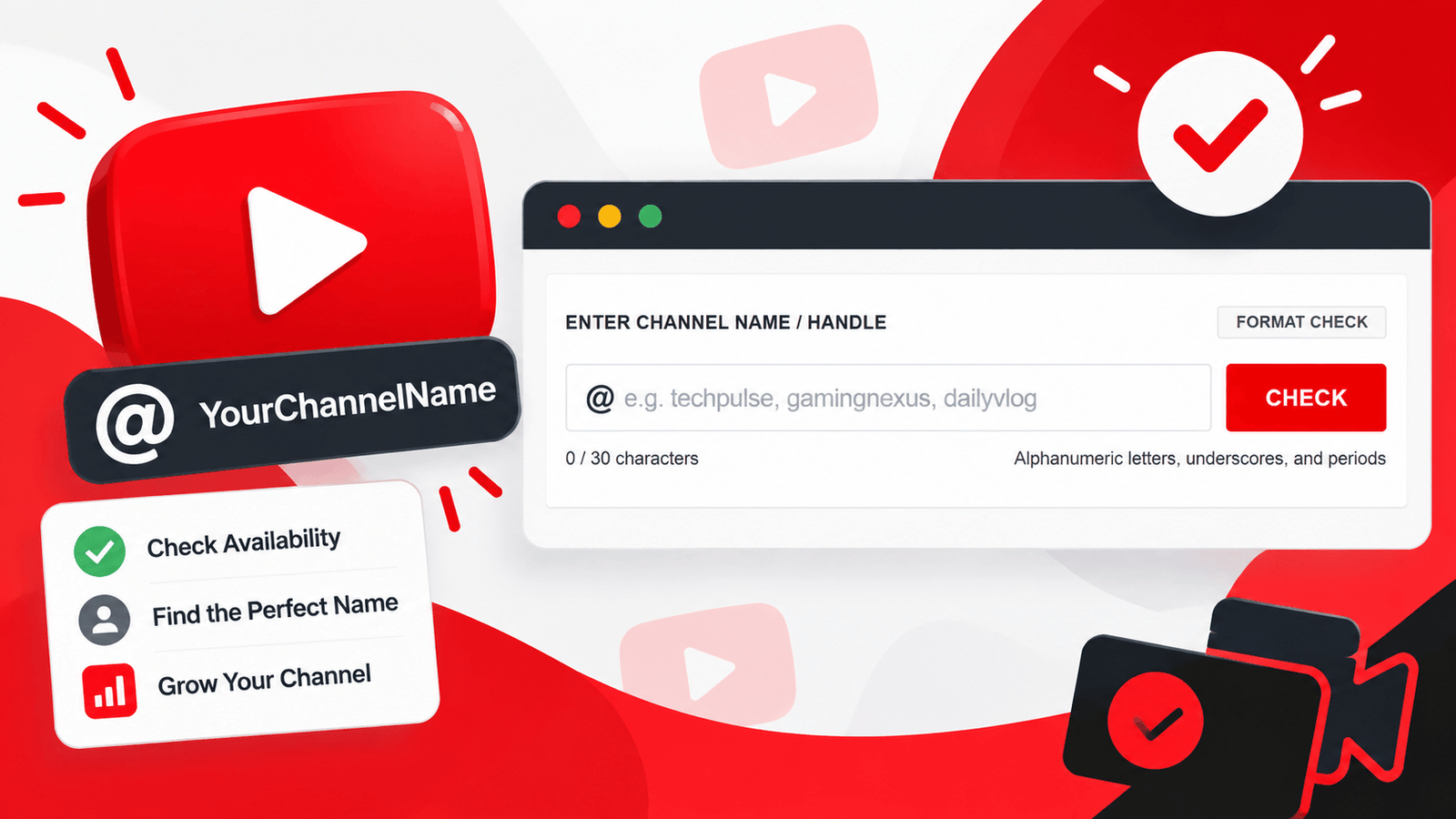
What Is a YouTube Channel Name Availability Checker?
A YouTube Channel Name Availability Checker is a tool that instantly validates a proposed handle against YouTube's official formatting rules. Rather than digging through help articles or trial-and-error inside your account settings, you type your desired name into the tool and get immediate, clear feedback.
01. Saves Time
Instantly know if your handle idea breaks a rule, instead of finding out after submitting it in YouTube Studio.
02. Clear Feedback
Get a specific reason when a name fails, not just a generic error message.
03. Branding Score
See a percentage score reflecting how well your chosen name fits YouTube's format requirements.
Why You Need a YouTube Channel Name Availability Checker
YouTube's handle system comes with strict formatting rules that trip up a lot of creators. Here's the problem this tool solves:
YouTube's own settings page often doesn't explain exactly why a handle was rejected.
Repeatedly typing variations directly into YouTube Studio is slow and frustrating.
Most creators don't know the exact character limits or restrictions until they hit an error.
This tool removes the guesswork entirely. Type your idea once, get instant, specific feedback, and walk away knowing exactly what needs to change — if anything — before you touch YouTube Studio.
How the YouTube Channel Name Availability Checker Works
Using the tool takes just a few seconds. Here's the process:
Enter the channel name you want to check into the input field.
The tool instantly analyzes your input against YouTube's format rules.
See a percentage score showing how closely your name matches the required format.
Get a specific reason if your name fails, such as invalid characters or an incorrect length.
Use the built-in button to jump straight to YouTube and confirm actual availability yourself.
No downloads, no sign-ups, and no waiting — just instant, clear results every time you check a handle.
Key Features of This YouTube Channel Name Availability Checker
- Instant Format Validation — Get results the moment you click check, with no page reloads.
- Auto-Lowercase Correction — The tool automatically formats input to match YouTube's handle requirements.
- Live Character Counter — Track your handle's length against the 30-character limit as you type.
- Detailed Branding Score — A percentage-based score gives you a quick sense of how close your name is to passing.
- Specific Error Reasons — Instead of a vague failure message, you'll see exactly which rule was broken.
- One-Click YouTube Studio Access — Jump straight to YouTube's app to test your validated handle directly.
- 100% Free and Private — Everything runs in your browser; nothing is stored or uploaded.
Understanding YouTube's Channel Handle Rules
YouTube handles must follow a specific format, and this tool is built directly around these current requirements:
A Handy YouTube Channel Name Checker for Every Creator
Whether you're searching for a youtube name availability checker for a brand-new channel or double-checking an existing handle before a rebrand, this tool works the same way every time — type, check, and get an instant answer. It's built to function as a genuinely useful youtube handle checker, saving you from repeated failed attempts inside YouTube's own settings screen.
Who Should Use a YouTube Channel Name Availability Checker?
New Creators
If you're just starting your channel, validate your handle idea before you even open YouTube Studio, saving yourself repeated failed attempts. Not sure what to try first? Generate ideas with our YouTube Username Generator.
Creators Rebranding a Channel
If your current handle no longer fits your content, validate a handful of new ideas quickly instead of testing each one manually inside YouTube's settings.
Brands & Businesses
Confirm your business or brand name meets YouTube's formatting rules before you commit to it across your marketing materials — and check the same handle on our Instagram Username Availability Checker to keep branding consistent across platforms.
Multi-Channel Creators
If you manage several channels, quickly validate new handle ideas for each one without switching between YouTube Studio tabs repeatedly.
Anyone Comparing Name Ideas
Test multiple handle ideas back-to-back to see which ones pass instantly, helping you narrow down your shortlist faster.
Tips for Choosing the Best YouTube Channel Handle
Generate a shortlist of backup ideas first, since popular short handles are often already taken.
Use the branding score as a quick sanity check before typing your idea into YouTube Studio.
Keep it short and easy to pronounce — viewers should be able to say it out loud and remember it later.
Avoid excessive numbers or symbols, which can make a handle look cluttered and harder to search for.
Confirm your final choice directly in YouTube Studio before announcing it anywhere publicly.
Frequently Asked Questions
Final Thoughts
Finding a YouTube handle that's both meaningful and rule-compliant shouldn't require repeated failed attempts inside YouTube Studio. A YouTube Channel Name Availability Checker takes the guesswork out of the process entirely — type your idea, get instant, specific feedback, and head into YouTube already knowing your format is correct. Whether you're launching your first channel or refining your brand, this tool makes the process faster and far less frustrating. Pair it with our YouTube Username Generator for a complete start-to-finish workflow — generate ideas, then validate them here.
For more details on YouTube's current channel and handle system, see YouTube's official Creator Academy for guidance on branding and channel setup.
Try the YouTube Channel Name Availability Checker now and validate your next handle before you even open YouTube Studio.