
Upside Down Text Generator — Flip, Mirror & Glitch Any Text Instantly
Plain text gets scrolled past. Text that looks physically rotated, mirrored, or corrupted? That stops people mid-scroll.
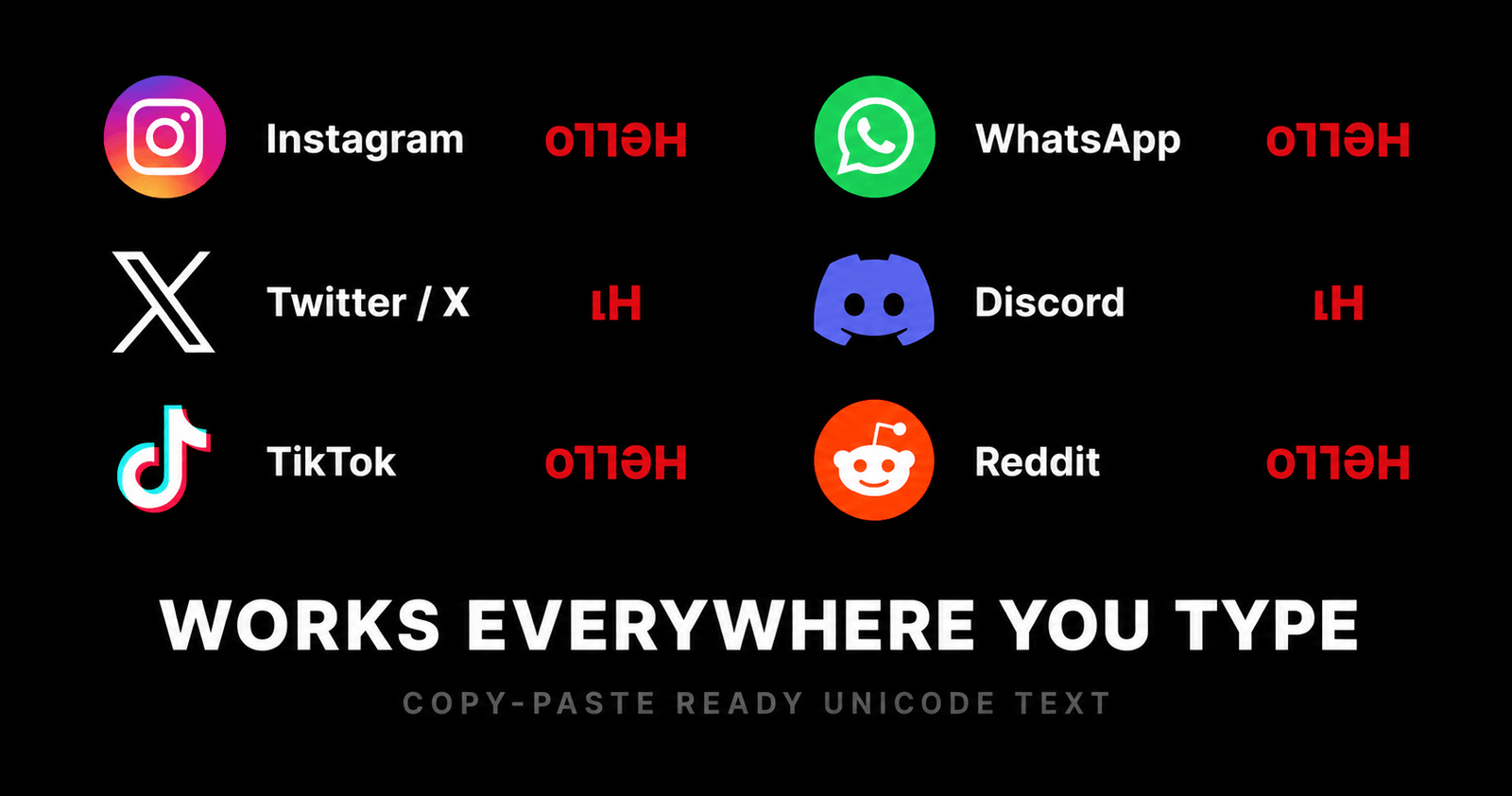
The Upside Down Text Generator transforms any typed message into flipped Unicode characters — instantly, for free, with no signup. Type your text, pick a style, copy, and paste it anywhere. It works on Instagram, TikTok, Discord, WhatsApp, Twitter/X, Reddit, and every other platform that accepts standard text input.
This free tool is part of the Onlinetoolix suite of text and social media tools. No account required, no data stored, no cost.
What Is an Upside Down Text Generator?
An upside down text generator is a free online tool that instantly transforms your regular typed text into flipped, inverted Unicode characters. Whether you want to surprise your friends on social media, create a quirky bio, prank someone with a confusing message, or simply explore a fun side of typography — this tool makes it effortless.
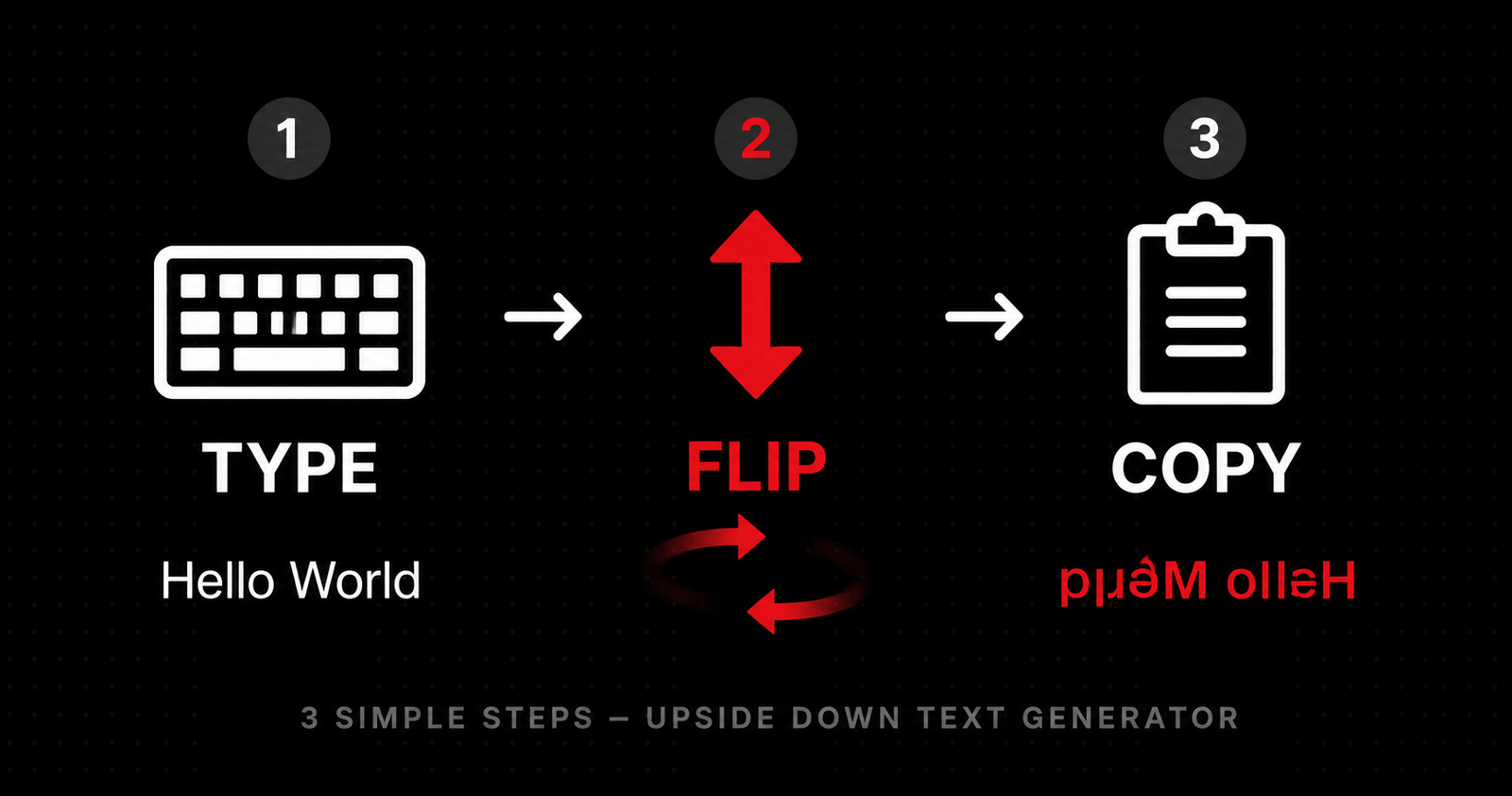
Just type your message into the input box and the tool immediately converts each character into its Unicode flip equivalent. The output is completely copy-paste ready and works seamlessly across every modern platform that supports text input.
Quick Definition: An upside down text generator works through Unicode Character Substitution — replacing standard letters with existing Unicode characters that visually resemble their rotated or mirrored equivalents. The output is plain text, not an image or font, which is why it works everywhere.
Want to style your bio further? Use the Font Generator for Instagram to apply bold, monospace, or small-caps Unicode styles to any text.
Why People Love Using This Tool
Text customisation has become a major part of personal branding online. From TikTok creators to Discord server owners, people are always looking for ways to make their profiles, posts, and messages stand out. Here is what makes this generator different from basic flip tools:
As you type, your text flips live. There is no "Generate" button to click and wait. Every character you add is converted on the spot, making the experience fast and fluid.
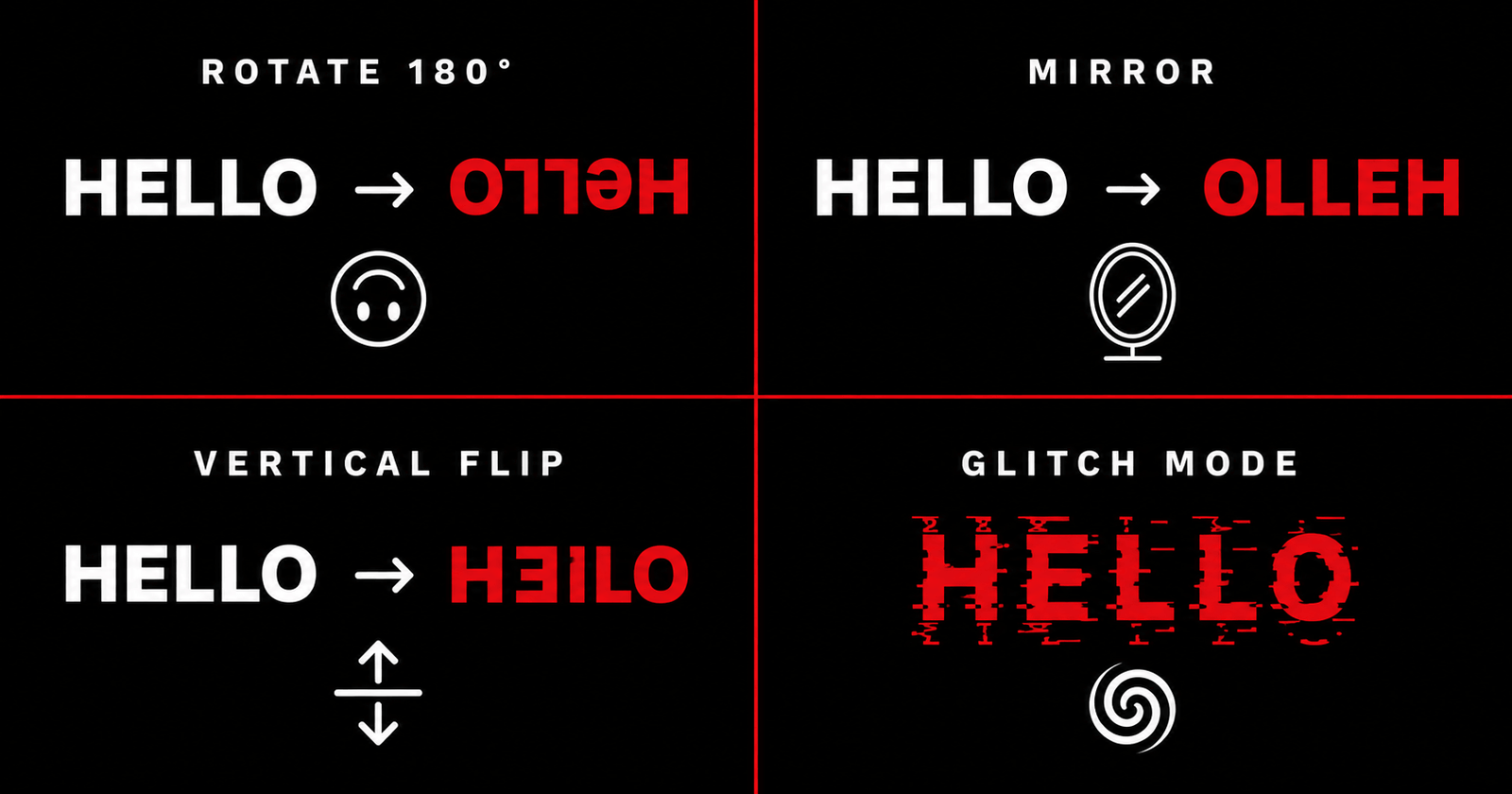
Most tools offer just one flip style. This generator gives you Rotated 180°, Mirror Horizontal, Vertical Mirror, and Glitched Flip — each producing a completely different visual result. Switch between modes in one click without retyping anything.
Once your text is transformed, copy it to your clipboard instantly with a single button. No selecting, no right-clicking, no hassle.
Tap any kaomoji button to append expressive emoticons like (╯°□°)╯︵ ┻━┻ directly to your input. The output updates immediately.
Click the interactive card to see an animated 3D rotation that visually simulates how your text looks when you physically turn a screen upside down. Helps you confirm the flipped output reads correctly from the intended perspective.
Generate a URL with your input text pre-encoded. Share that link and anyone who opens it will see your text already loaded into the tool — great for sending creative messages or collaborative content ideas.
Save your best creations to a local history list to revisit, reuse, or copy them later. History is stored in your browser and persists between sessions without any account needed.
How the Upside Down Text Generator Actually Works
A common question people ask is: does this tool use a custom font or rotate images? The answer is neither.
Modern Unicode includes thousands of special characters from different languages, scientific notation, and phonetic alphabets. Among these are characters that visually look like rotated or reflected versions of standard English letters.
e → ǝ h → ɥ y → ʎ a → ɐ n → u
6 → 9 3 → Ɛ ! → ¡ ? → ¿
When you type a sentence, the tool replaces each character with its corresponding flip character and — in rotate mode — reverses the entire string from end to beginning. The result is text that, when you physically rotate your screen 180 degrees, reads as the original sentence you typed.
This is exactly why flipped text works on every platform. There is no hidden font being loaded, no canvas element, no SVG trick. It is just plain Unicode text — the same type of text you type every day, just using different characters that happen to look like rotated letters.
Using flipped text in your Instagram bio? Check your character count with the Instagram Bio Character Counter — Instagram enforces a strict 150-character limit.
Want to explore the full Unicode character set used in text flipping? Browse the official Unicode Character Charts to see every phonetic and special symbol available across modern platforms.
The Four Transformation Modes — Explained
The classic upside down mode. Every character is replaced with its Unicode flip equivalent and the full string is reversed. When someone turns their screen upside down, the text reads normally. Perfect for prank messages, creative social bios, and fun captions.
Character order is reversed but no Unicode substitutions are applied. The result looks like text written backwards — like reading a sentence in a mirror. Great for watermark effects, creative usernames, and playful messages.
Unicode character substitutions are applied but word order stays left to right. Each letter individually looks flipped but the sentence is not reversed. Creates a visually distorted, slightly unreadable effect — useful for stylised aesthetics in design and social content.
The most visually intense mode. Combines the standard upside down flip with randomised Zalgo diacritic marks — tiny Unicode characters that stack above and below base characters. Hugely popular for horror-themed content, gaming profiles, creepypasta text, and edgy Discord usernames.
Where Can You Use Flipped Text?
The output from this upside down text generator is plain Unicode, which means it is compatible with almost every text field on the internet. Here are the most popular use cases:
Instagram bio — An upside down tagline immediately makes your profile look more creative than 99% of accounts. Visitors notice it before they even read what you do. Pair it with a strong hashtag strategy to maximise discovery.
Twitter / X posts — In a fast-moving feed, inverted text catches the eye. Use it for a punchline, a quote, or an announcement you want people to stop and read.
WhatsApp and Telegram messages — Send a flipped message to friends and watch the confusion unfold. The Glitched Flip mode is especially fun for group chats.
TikTok bio and username — Creative text formatting signals personality before someone even watches your first video.
Discord servers and usernames — Stand out in server member lists and make your nickname instantly recognisable. Glitched Flip mode is hugely popular here.
Reddit posts and comments — Works well for comedic comments, r/copypasta content, and creative writing communities.
Gaming profiles — Flipped or glitched text usernames are popular across Steam, PlayStation Network, Xbox, and mobile gaming platforms.
Email signatures — For informal communication, a creatively formatted sign-off adds personality without any extra graphic design.
Creating a matching username? Use the Username Generator for Instagram and check availability with the Username Availability Checker.
How to Use This Tool — Step by Step
Enter any message into the input box. There is no character limit — you can flip a single word or an entire paragraph.
Select from Rotated 180°, Mirror Horizontal, Vertical Mirror, or Glitched Flip. Your output updates in real time as you switch modes.
Tap any kaomoji button to append an expressive emoticon to your message. The flipped output updates automatically.
Click the interactive card to see an animated 3D rotation and confirm your flipped text reads correctly from the intended angle.
Hit the one-click copy button and paste your flipped text directly into Instagram, Discord, WhatsApp, Twitter/X, or any other platform.
Click "Save to Favorite History" to store your best creations locally. They persist between browser sessions with no login required.
Frequently Asked Questions
Type, flip, copy, share.
Everything runs in your browser, works instantly, and produces output compatible with every major platform in the world. No plugins, no accounts, no waiting.
While you're here — style your text further with the Font Generator for Instagram, check your bio length with the Bio Character Counter, or explore more free tools at Onlinetoolix.