
WiFi Password QR Code Generator — Free Online Tool
Typing out a long, complicated WiFi password for every guest who visits your home, café, office, or Airbnb gets old fast. That's exactly the problem our WiFi Password QR Code Generator was built to solve. Instead of spelling out a password character by character, you simply enter your network details once, and the tool instantly creates a scannable QR code that connects any phone to your WiFi in a single tap. No app installs, no typing, no confusion — just point the camera and connect.
Whether you're setting up guest access at home, printing a WiFi card for your café tables, or preparing a welcome kit for Airbnb guests, this free tool makes the entire process effortless, fast, and completely private. Once your network is set up, you can also use our Google Maps URL Generator to add a location link to your welcome card.
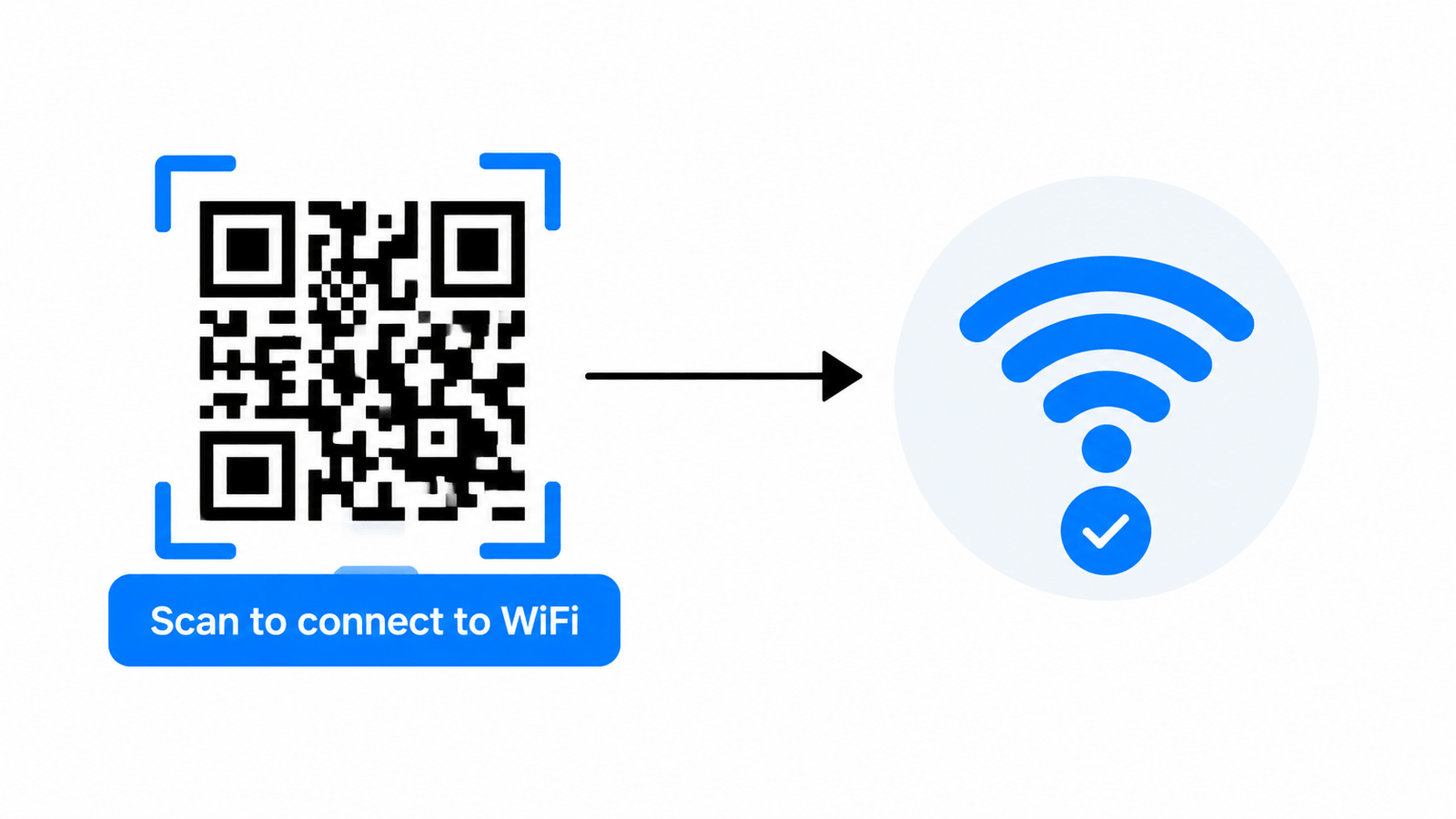
What Is a WiFi Password QR Code Generator?
A WiFi Password QR Code Generator is a simple online tool that converts your network name (SSID), password, and security type into a QR code. When someone scans that code with their phone's camera, their device automatically fills in the WiFi credentials and connects — no manual entry required.
01. Saves Time
No more slowly spelling out passwords letter by letter.
02. Reduces Errors
Eliminates typos from long, complex, case-sensitive passwords.
03. Works Everywhere
Compatible with iPhone, iPad, Android, and standard QR scanner apps.
Why You Need a WiFi Password QR Code Generator
Sharing WiFi access manually creates friction for both hosts and guests. Here's the problem this tool solves:
Secure networks often use passwords with mixed case, numbers, and symbols — perfect for security, painful to type out loud.
If you run a café, guesthouse, or office, you may share your WiFi password dozens of times a day.
A plain sticky note with a password scrawled on it isn't exactly professional.
This tool removes all of that friction. You create the code once, print or display it, and every guest connects themselves — instantly and correctly, every time.
How the WiFi Password QR Code Generator Works
Using the tool takes less than a minute. Here's the step-by-step process:
Type in your WiFi network's exact name.
Enter your WiFi password (or leave it blank for open networks).
Choose WPA/WPA2, WEP, or Open, depending on your router settings.
Add a title and pick a theme color to match your brand or décor.
The tool instantly creates your scannable code.
Save it as a PNG, print a physical card, or share it digitally with guests.
That's it — no sign-up, no software, and no data stored on any server.
Key Features of This WiFi Password QR Code Generator
- Instant QR Code Generation — Your code updates live as you type.
- Supports All Security Types — WPA/WPA2, WEP, and Open networks are all supported.
- Custom Branding Options — Choose a badge title and color theme for a personalized touch.
- Hidden Network Support — Generate codes for hidden SSIDs too.
- Multiple Export Options — Download as PNG, print directly, copy the WiFi string, or share via link.
- 100% Free and Private — Everything runs in your browser; your password is never uploaded or stored.
- Mobile-Friendly — Fully responsive so you can create WiFi QR codes right from your phone.
Who Should Use a WiFi Password QR Code Generator?
Home Users
Set up a permanent guest WiFi card near your entryway so friends and family can connect without asking for the password every visit.
Cafés & Restaurants
Print a small WiFi QR card for each table so customers can connect while they order — a small touch that improves customer experience.
Hotels & Airbnb Hosts
Include a printed WiFi QR card in your welcome folder. Guests scan once at check-in and stay connected for their entire stay.
Offices & Coworking Spaces
Give visitors and new employees instant WiFi access without IT having to manually configure devices or read out passwords.
Events & Conferences
Display the QR code on a screen or banner so hundreds of attendees can connect to event WiFi simultaneously, without a queue at the help desk.
Benefits of Using a WiFi QR Code Over Sharing Passwords Manually
Manually sharing a WiFi password is slow, error-prone, and repetitive. Generating a QR code instead solves each of these issues directly:
- Speed — Scanning takes two seconds; typing a password can take much longer, especially on mobile keyboards.
- Accuracy — There's zero risk of a mistyped character locking someone out of the network.
- Professionalism — A printed QR card looks far more polished than a handwritten note or verbal password.
- Scalability — One QR code can be scanned by unlimited devices, making it ideal for high-traffic locations.
- Security — You can regenerate a new code anytime you change your password, without needing to inform everyone individually.
Tips for Getting the Best Results
Double-check your SSID and password for accuracy before generating the code — even one incorrect character will prevent guests from connecting.
Choose the correct security type; selecting the wrong one (e.g., WEP instead of WPA/WPA2) will cause the QR code to fail.
Print your generated card in a reasonably large size (at least 3x3 inches) so it scans easily from a normal distance.
Laminate printed cards if they'll be placed on tables or in high-traffic areas, so they stay scannable longer.
Regenerate and reprint your code whenever you update your WiFi password to avoid confusing guests with an outdated card.
Frequently Asked Questions
Final Thoughts
A WiFi Password QR Code Generator is one of those small tools that solves a genuinely common everyday problem. Instead of repeating a long password out loud or watching guests fumble with their keyboards, you hand them a simple scan-and-connect experience. It's faster, more accurate, and more professional — whether you're welcoming houseguests, serving café customers, or onboarding new employees.
For more on WiFi security standards and choosing the right encryption for your network, the Wi-Fi Alliance offers a helpful overview of WPA2 and WPA3 protocols.
Try the WiFi Password QR Code Generator today and make sharing your network access effortless for everyone.